
Appsbd

12 Free Mini Cart Drawer Plugins

12 Free Mini Cart Drawer Plugins to Boost Your WooCommerce Store
Introduction: The Power of Free Mini Cart Drawers for WooCommerce

In the dynamic world of e-commerce, user experience is paramount. A smooth, intuitive shopping journey can be the difference between a sale and an abandoned cart. For WooCommerce store owners, optimizing every touchpoint is crucial, and one often overlooked yet powerful tool is the cart drawer plugin. Also known as a mini-cart or slide-out cart, this feature allows customers to view and manage their cart contents without leaving their current page, significantly enhancing the shopping flow.

Cart drawer plugins offer a seamless way to keep customers engaged while they shop. Instead of redirecting to a separate cart page, a sliding drawer appears, displaying selected items and allowing for quick updates or removal. This frictionless experience is proven to reduce abandonment rates and encourage continued browsing.

We understand that investing in premium features isn’t always feasible, especially for new or growing businesses. This is precisely why exploring a free cart drawer plugin for WooCommerce becomes an incredibly strategic move. These plugins offer a robust solution to improve your store’s usability and conversion rates, all without incurring additional costs. In this comprehensive guide, we’ll delve into the strategic advantages of implementing a free cart drawer plugin, explore top plugin options, and answer common questions, helping you maximize your WooCommerce store’s potential.

The Strategic Advantage: Why a Free Cart Drawer Matters for Conversions

Imagine a customer browsing your store, adding items to their cart. Without a cart drawer, they might have to navigate to a separate cart page each time they want to review their selections or proceed to checkout. This extra step introduces friction, disrupts the browsing experience, and can ultimately lead to cart abandonment. A Free Cart Drawer Plugin for WooCommerce eliminates this hurdle, offering a multitude of benefits that directly impact your bottom line.

Here’s why a cart drawer is a game-changer for conversions:

  • Seamless User Experience (UX): Customers can instantly see what’s in their cart, adjust quantities, or remove items without leaving the product page or category listing. This uninterrupted flow keeps them engaged and focused on shopping, reducing the cognitive load.
  • Reduced Friction in the Checkout Process: By providing a quick overview and direct access to checkout from any page, cart drawers streamline the path to purchase. Industry reports indicate that complex checkout processes are a leading cause of cart abandonment, accounting for approximately 18% of lost sales. A cart drawer simplifies this.
  • Upselling and Cross-selling Opportunities: Many cart drawer plugins allow you to display related products, “frequently bought together” suggestions, or special offers directly within the drawer. This subtle prompting encourages customers to add more items before proceeding, increasing average order value. As e-commerce expert Sarah Chen notes, “A well-designed cart drawer isn’t just about showing what’s in the cart; it’s a dynamic sales tool that subtly guides customers towards more purchases.”
  • Real-time Cart Updates: Customers get instant feedback when they add or remove items. This transparency builds trust and confidence, as they always know the current status and total cost of their order.
  • Improved Mobile Responsiveness: On smaller screens, navigating to a separate cart page can be cumbersome. Cart drawers are typically designed to be mobile-friendly, sliding in smoothly and providing an optimal experience for shoppers on smartphones and tablets, where a significant portion of online shopping now occurs.
  • Reduced Cart Abandonment: By making the cart review process effortless and keeping customers on the product browsing path longer, cart drawers significantly reduce the likelihood of them getting distracted and abandoning their purchase. Studies show that stores implementing such features often see a decrease in abandonment rates by 5-10%.

Implementing a Free Cart Drawer Plugin for WooCommerce is a cost-effective way to enhance your store’s professionalism, improve customer satisfaction, and, most importantly, boost your conversion rates.

Exploring Top Free Cart Drawer Plugin Options for WooCommerce

When it comes to choosing a Free Cart Drawer Plugin for WooCommerce, the market offers several excellent options. While they all aim to provide a better cart experience, they differ in features, customization options, and overall user interface. We’ve handpicked some of the most popular and highly-rated free plugins to help you make an informed decision.

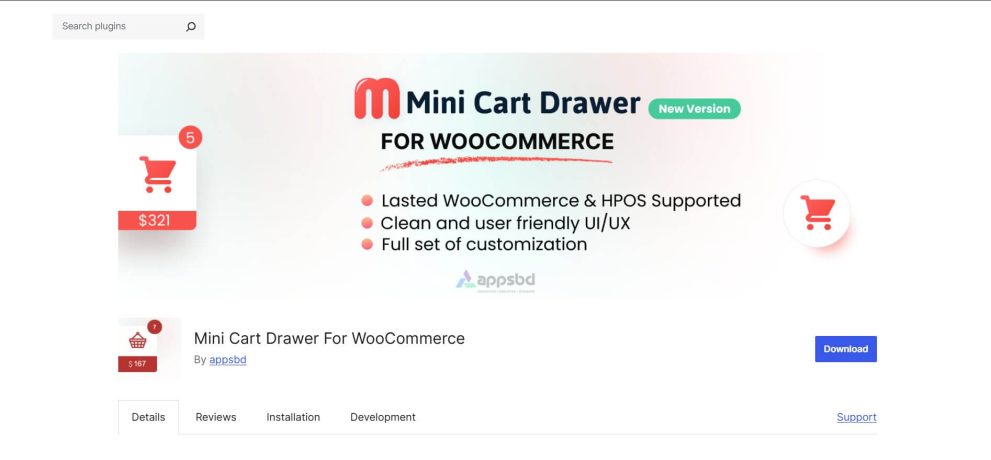
1. Mini Cart Drawer

Adds a sleek mini cart drawer that slides in from the side, allowing customers to view and manage cart items without leaving the page.

Core Functionalities
  • Dynamic cart refreshing through Ajax
  • Sliding panel aesthetic
  • Customizable display layout
  • Compatible with most themes
Advantages
  • Uncomplicated configuration
  • Streamlined side panel interface
  • Real-time shopping cart synchronization
  • Configure it using Live Customizer.

  • Responsible for all and any size of devices.
  • Stylest Count Animation.
  • Coupon Apply Support
Disadvantages
  • Limited sophisticated design adjustments in the free edition
  • May necessitate style modifications for specific themes
  • This particular plugin operates with commendable directness. It delivers on its promises without introducing any superfluous intricacy

2. All-in-One Cart Solution for WooCommerce

All in one cart for woocommerce

A feature-rich cart plugin offering mini cart, fly cart, and customizable cart functionalities for a seamless shopping experience.

Core Functionalities
  • Options for both side and popup cart displays
  • Permanently visible cart icon
  • Ajax support for adding items to cart
  • Customizable icon placement
Advantages
  • Diverse cart presentation styles
  • Adaptable icon positioning
  • Optimized for mobile viewing
Disadvantages
  • Certain capabilities are exclusive to the premium variant
  • Interface controls can appear somewhat cluttered
  • Should layout flexibility be a priority, this option offers considerable choice.

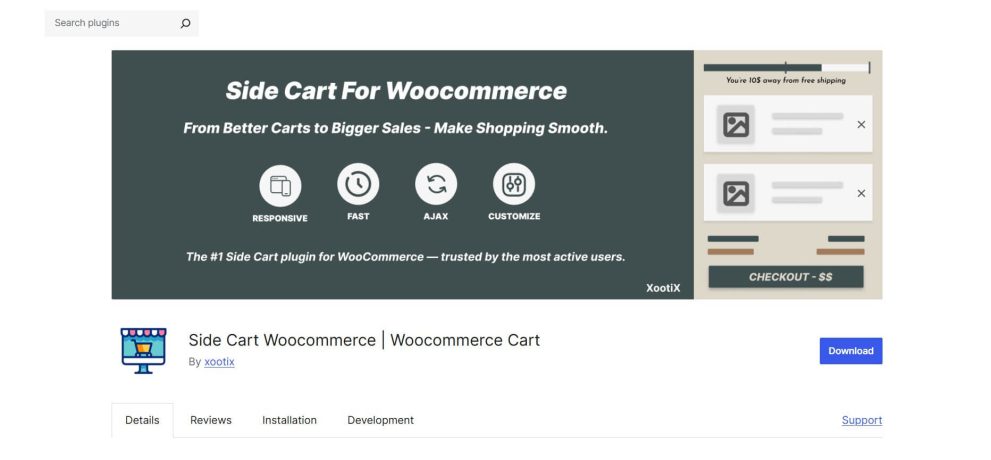
3. WooCommerce Side Cart by Xootix

side cart woocommerce

Displays a responsive side cart that slides in on adding products, improving conversion by keeping shoppers on the same page.

Core Functionalities
  • Ajax-powered cart drawer
  • Quantity adjustment features within the drawer
  • Automatic opening upon item addition
  • Coupon code compatibility
Advantages
  • Intuitive user interface
  • Facilitates coupon entry
  • Fluid animations
Disadvantages
  • Styling personalization is restricted in the free version
  • Advanced upselling functionalities necessitate an upgrade
  • Its design prioritizes ease of use over extensive aesthetic customization.

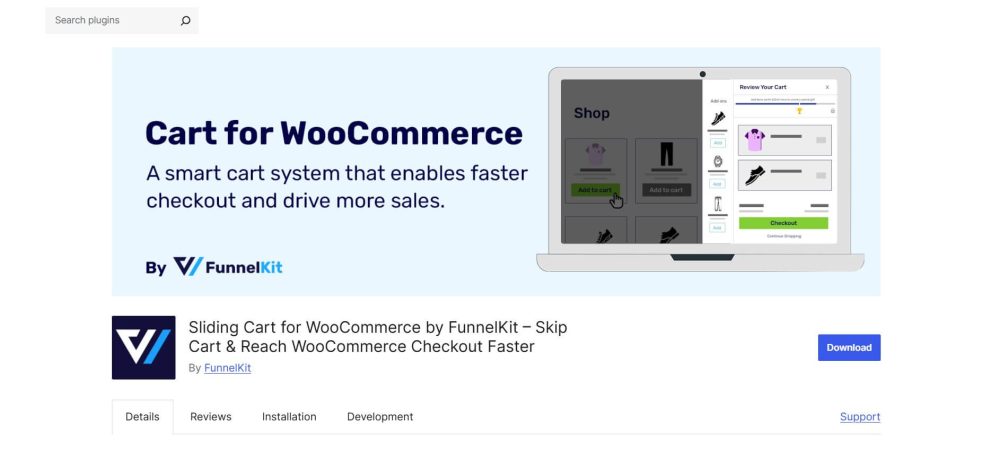
4. Sliding Cart for WooCommerce by FunnelKit

sliding cart for woocommerce by funnelki

Offers a dynamic sliding cart with Ajax support, upsell features, and modern designs to boost user engagement.

Core Functionalities
  • Glide-in side shopping cart
  • Ajax functionality for adding items to the cart
  • Customizable header and footer sections
  • Support for product upsells (restricted in the complimentary version)
Advantages
  • Well-organized structure
  • Enables product suggestions
  • Contemporary interface
Disadvantages
  • Some upsell features are premium-only
  • Increased settings might require an initial learning period
  • This solution is well-suited for online retailers aiming to display product recommendations directly within the cart.

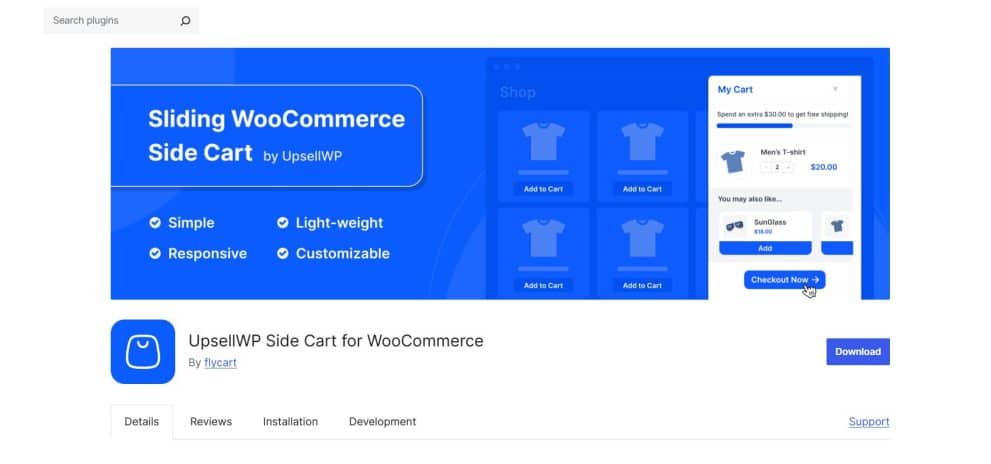
5. UpsellWP Side Cart for WooCommerce

Upsell wp side cart

A lightweight side cart focused on increasing sales with upsell and cross-sell options.

Core Functionalities
  • Side cart featuring Ajax technology
  • Proposals for product upsells
  • Capability to modify cart items
  • Adaptive design for various devices
Advantages
  • Integrated upsell capability
  • Lightweight operational footprint
  • Uncluttered design
Disadvantages
  • Limited scope for sophisticated styling
  • Upsell logic alternatives are rudimentary in the free iteration
  • If enhancing average order value is important to your business, this tool warrants evaluation.

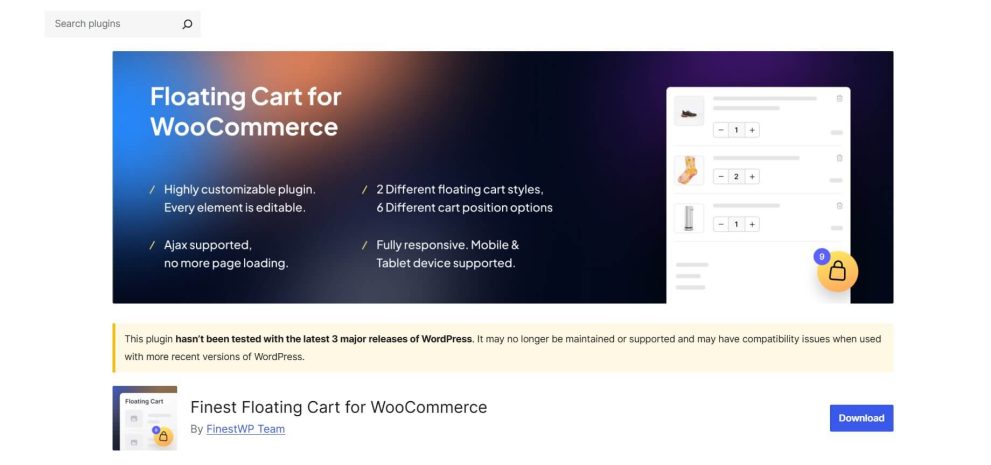
6. Finest Floating Cart for WooCommerce

Finest floating cart

Adds a floating mini cart with Ajax updates, supporting multiple styles and easy customization for WooCommerce stores.

Core Functionalities
  • Persistent floating cart icon
  • Slide-out cart panel
  • Ajax-driven updates
  • Options for custom placement
Advantages
  • Always-visible interactive button
  • Effortless to set up
  • Functions seamlessly on mobile devices
Disadvantages
  • Basic layout customization opportunities
  • Restricted animation control features
  • It ensures the shopping cart remains readily accessible at all times.

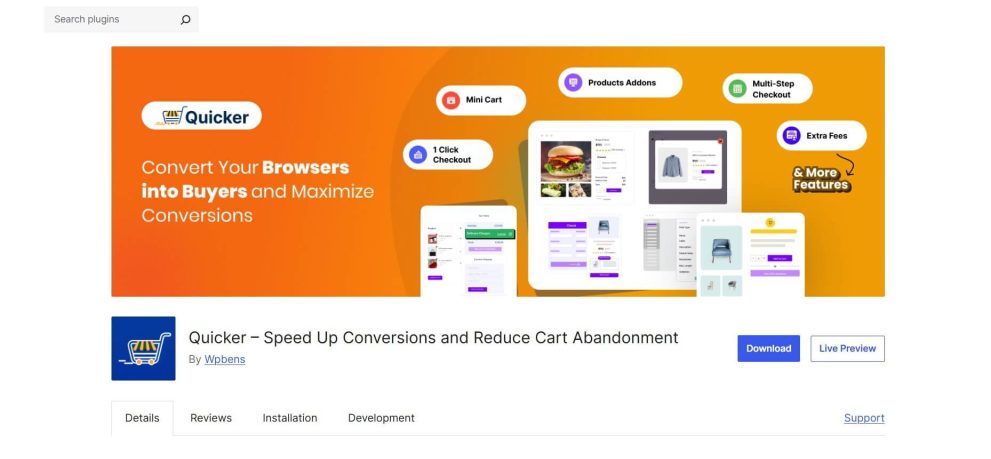
7. Quicker

Quicker

A minimal and fast mini cart solution designed for small WooCommerce stores with basic cart functionalities.

Core Functionalities
  • Expeditious side cart mechanism
  • Ajax support for adding items to cart
  • Minimalist user interface
  • Optimized, lightweight code
Advantages
  • Engineered for high performance
  • Straightforward configuration
  • Clean aesthetic
Disadvantages
  • Fewer advanced functionalities
  • Limited variations in layout
  • This particular plugin maintains simplicity, with a strong emphasis on operational speed.

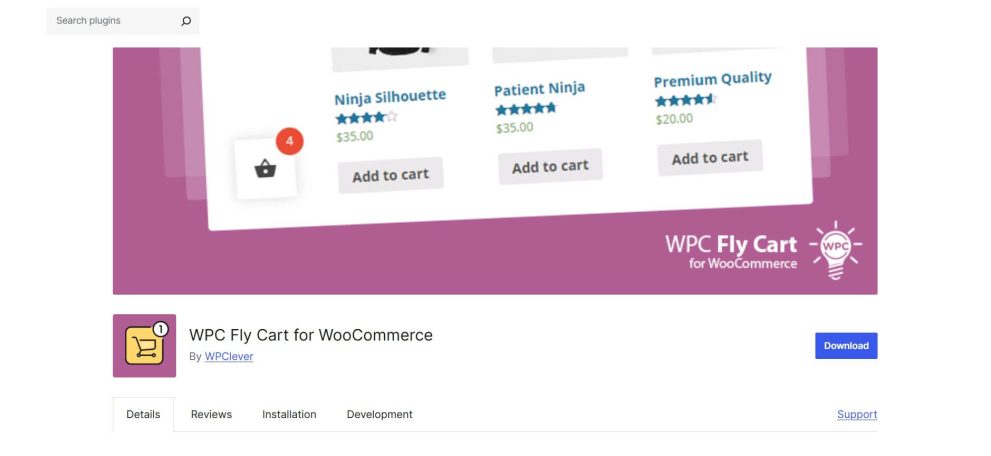
8. WPC Fly Cart for WooCommerce

WPC fly cart

Provides a fly-out mini cart with Ajax add-to-cart, animations, and responsive layouts to enhance user experience.

Core Functionalities
  • Animated ‘fly-to-cart’ effect
  • Side cart panel
  • Ajax-powered updates
  • Customizable position and style
Advantages
  • Engaging visual ‘fly’ animation
  • Subject to ongoing development
  • Excellent compatibility with themes
Disadvantages
  • Certain advanced controls are restricted to the premium version.
  • The animation might not align with all store aesthetics.
  • If you appreciate visual confirmation when items are added, this option incorporates that particular effect.

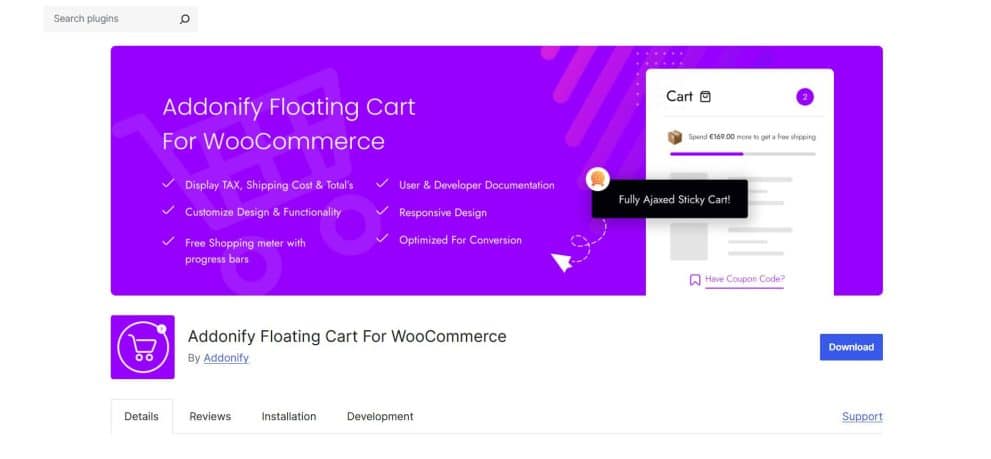
9. Addonify Floating Cart for WooCommerce

Addonify floating cart

A floating cart that slides in on adding products, supporting Ajax updates, animations, and custom styling options.

Core Functionalities
  • Persistent floating cart symbol
  • Slide-in panel
  • Updates based on Ajax technology
  • Fundamental style customization
Advantages
  • Minimal resource consumption
  • Clear user interface
  • Responsive on mobile platforms
Disadvantages
  • Limited scope for advanced cart editing
  • Fewer integrated upsell utilities
  • This tool concentrates on core capabilities, foregoing supplementary features.

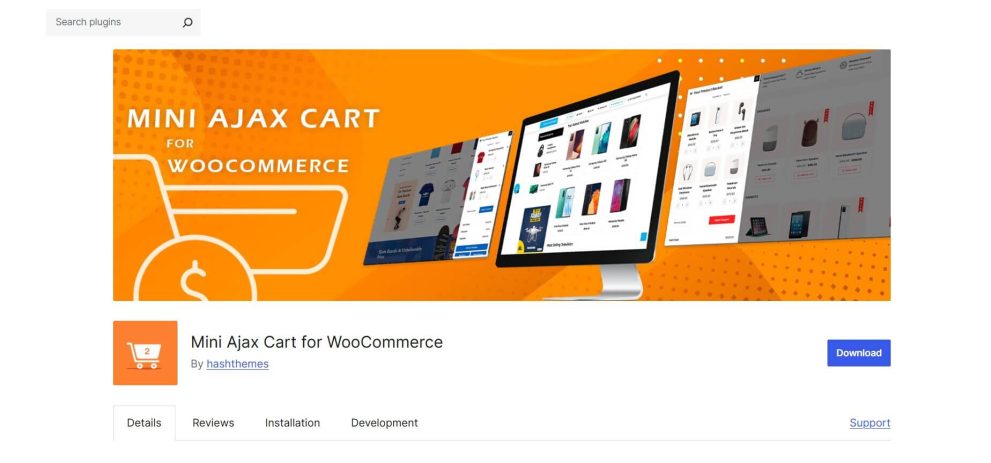
10. Mini Ajax Cart for WooCommerce

12 Free Mini Cart Drawer Plugins to Boost Your WooCommerce Store - 10 Mini ajax cart
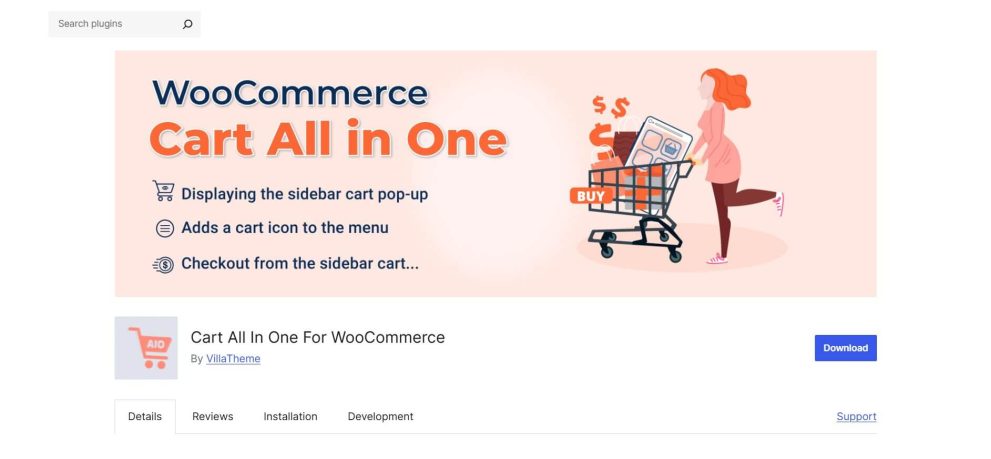
Lightweight mini cart with Ajax functionality, providing instant updates without page reloads.

Core Functionalities
  • Ajax-enabled cart popup
  • Compatibility with shortcodes
  • Real-time shopping cart refreshing
  • Uncomplicated layout
Advantages
  • Simple to integrate
  • Works effectively with shortcodes
  • Rapid updates
Disadvantages
  • Basic visual design
  • Fewer personalization settings
  • Ideal for online stores that prioritize a lightweight and straightforward solution.

11. Minicart for WooCommerce

minicart for woocommerce

Simple and responsive mini cart that enhances the shopping experience with quick cart access.

Core Functionalities
  • Ajax-driven cart updates
  • Widget integration capability
  • Options for slide or dropdown display
  • Simple setup
Advantages
  • Ready for widget implementation
  • Effortless installation
  • Lightweight operation
Disadvantages
  • Fundamental visual styling
  • Restricted advanced controls
  • It is suitable for smaller e-commerce sites with modest design requirements.

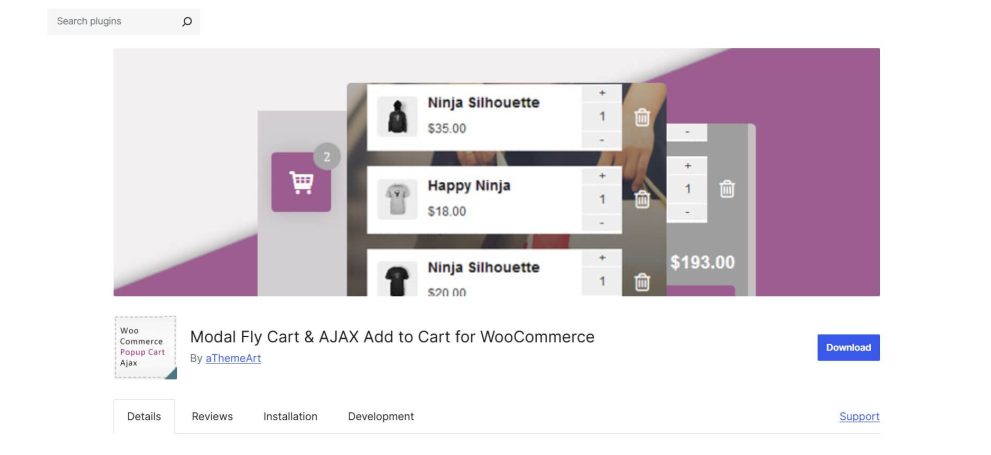
12. Modal Fly Cart + Ajax Add to Cart

Modalfly cart

Combines a modal popup and fly cart with Ajax add-to-cart functionality, allowing shoppers to manage items without leaving the current page.

Core Functionalities
  • Modal popup style cart
  • Ajax for adding items to cart
  • ‘Fly’ animation effect
  • Capability for quantity adjustments
Advantages
  • Popup-based user interaction
  • Incorporates animation
  • Simple to operate
Disadvantages
  • The popup format might disrupt browsing for some users
  • Styling flexibility is limited in the complimentary edition
  • This plugin utilizes a modal window as an alternative to a sliding panel. Certain stores may favor this specific format.
Free WooCommerce Side Cart Plugins Comparison
Plugin Name Animation Style Coupon Support Customization Best For
Mini Cart Drawer Slide-in ✅ Yes High Simple & Clean Design
Cart All In One Slide/Popup ✅ Yes High Layout Flexibility
Side Cart WooCommerce Slide-in ✅ Yes Medium Usability
FunnelKit Cart Slide-in ❌ No (Pro) High Product Recommendations
UpsellWP Side Cart Slide-in ❌ No (Pro) Low Increasing Order Value
Finest Floating Cart Slide-out ❌ No Low Always Visible Cart
Quicker Slide-in ❌ No Low Site Speed
WPC Fly Cart Fly Animation ✅ Yes Medium Visual Feedback
Addonify Floating Cart Slide-in ❌ No Low Lightweight
Mini Ajax Cart Popup ✅ Yes Low Shortcode Users
Minicart Slide/Dropdown ❌ No Low Widgets
Modal Fly Cart Popup ❌ No Low Popup Interaction

Guidance on Selecting the Optimal Cart Panel Extension

Considerations for Store Scale

Establishments with a modest product catalog might find lighter extensions, such as Minicart or Mini Ajax Cart, more suitable.

Larger online retailers may require integrated upsell capabilities, like those offered by UpsellWP or FunnelKit’s sliding cart.

Considerations for Aesthetic Preferences

If visual animation holds significance, WPC Fly Cart or Modal Fly Cart provides compelling options.

Should a minimalist design be preferred, Quicker or Mini Cart Drawer maintains a clean appearance.

Considerations for Performance

Extensive animation can potentially impact performance on less powerful hosting environments. Lightweight extensions featuring minimal scripts are generally a safer choice for shared hosting solutions.

Always conduct testing before full implementation. Install the plugin, evaluate load times, and observe mobile behavior.

Concluding Reflections

An effective cart panel is not a complex mechanism. It represents a subtle enhancement that helps shoppers maintain their focus.

The ideal extension hinges on your store’s objectives. Are you aiming for upsells? Animation? A minimalist design? Constant access via a floating icon?

Initiate with simplicity. Install a single plugin. Test its functionality on both desktop and mobile devices. Monitor its behavior during the checkout sequence.

Occasionally, the most effective solution is the one that operates quietly and reliably in the background.

Frequently Asked Questions

1. Are complimentary cart panel extensions sufficient for the majority of WooCommerce stores?

Indeed. Numerous free versions encompass essential functionalities such as Ajax updates, item quantity editing, and responsive design.

2. Do cart panel extensions negatively impact website speed?

They can, if their code quality is substandard. Lightweight plugins, characterized by minimal scripting, typically exert a negligible influence.

3. Is it possible to utilize a cart panel with any WooCommerce theme?

Most extensions are compatible with standard WooCommerce themes, though comprehensive testing remains crucial.

4. Is Ajax a requisite for cart panels?

Affirmative. Ajax facilitates real-time cart modifications without necessitating a full page reload.

5. Can I integrate upsells within a free cart panel?

Some plugins provide basic upsell functionalities in their free editions, but advanced targeting mechanisms frequently require premium upgrades.

Subscribe

To get news about new releases, Updates, Blog Post, Deals and Discounts

Like this content? Want to share it with others

Appsbd's Other Apps

Vitepos

Vitepos

We've built a fast and easy-to-use Point of Sale system for WooCommerce. It lets you manage your local and online stores in one app, saving you time and money while ensuring a seamless experience for your customers.

Vite Rewards

Vite Rewards

Vite Rewards is a comprehensive loyalty points plugin designed to incentivize customer engagement and boost sales on your WooCommerce store. With a wide range of features, ViteRewards allows you to reward customers for various actions and interactions, creating a more engaging shopping experience.

Elite Licenser

Elite Licenser

Elite Licenser is a top WordPress license manager plugin that controls software, plugin, theme, and app activations. Its premium feature protects against unauthorized usage.
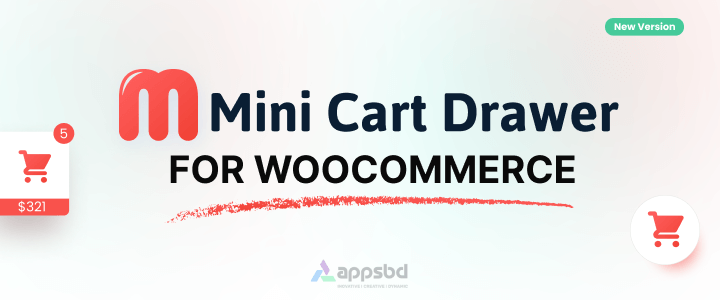
Mini Cart Drawer

Mini Cart Drawer

This plugin adds a customizable mini cart to your WooCommerce site, with an easy control panel and WP Customizer support. It also includes a sale booster that offers dynamic discounts like "Spend $20 more for a $2 discount," encouraging customers to buy more.
Vite Coupon

Vite Coupon

Vite Coupon is a comprehensive coupon management system designed to simplify the creation, distribution, and tracking of discount coupons for online businesses. This plugin integrates seamlessly with various e-commerce platforms, offering a user-friendly interface and robust features to enhance promotional strategies.

User & Kiosk App

User & Kiosk App

Vitepos User App is an addon that lets customers place orders directly, making shopping and dining faster and more convenient. Guests can scan a table QR code to view menus and order without waiting for staff. Orders are instantly processed by the Vitepos Core App, ensuring smooth workflow. The app also supports kiosk devices for efficient self‑service stations.

Member Area

Member Area

Members Area is a private section for registered users to manage licenses and view details. It also supports coupon management on platforms like AppSumo and PitchGround, with tools to create, import, export, and generate unique codes easily.
Support System

Support System

Best Support System, Best by name, Best by nature, Best by feature, it is a self-hosted customer support desk software. It handles support tickets, manages email tickets, collects any payment by PayPal.


Subscribe
Notify of
guest
0 Comments
Oldest
Newest Most Voted
Inline Feedbacks
View all comments

0
Would love your thoughts, please comment.x
()
x