
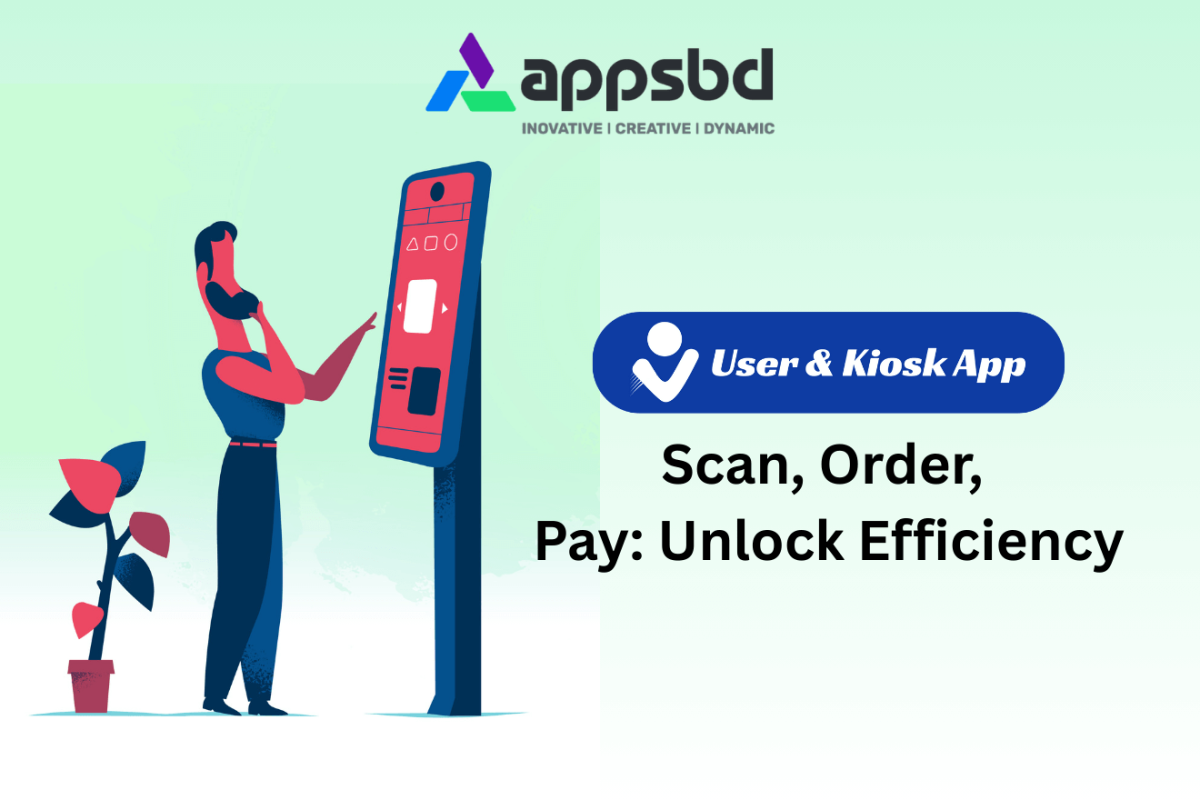
Vitepos User App & Kiosk App: Scan, Order, Pay: Unlock Efficiency.
Written by Md Ferdous Hassan Alin. Posted in User & Kiosk App, Vitepos, WooCommerce, WordPress No Comments
Introduction
Speed. Convenience. Zero waiting. That’s what today’s customers expect—and what businesses must deliver.
Whether you run a restaurant, café, retail store, or grocery shop, the ability for customers to Scan, Order, Pay without depending on staff can completely transform your workflow. That’s exactly what the Vitepos User App and Kiosk Mode are designed to do.
With QR Code–based ordering, self-checkout, seamless payments, and a smooth UI, Vitepos gives your business the tools to grow faster, serve smarter, and eliminate unnecessary bottlenecks.
Let’s break down how it works and why every modern business needs it.
What Is Vitepos User App?
A Powerful Extension for WooCommerce
The Vitepos User App connects directly with your WooCommerce store, turning it into a user-friendly ordering platform. That means no extra systems, no complicated setup—just simple, fast, efficient ordering.
How the User App Simplifies Ordering
Customers simply:
Scan the QR code
Browse the digital menu
Place orders
Pay instantly
Everything syncs automatically with your POS and kitchen.
How the Scan, Order, Pay System Works
Anytime Ordering with QR Codes
Each table, product section, or kiosk can have its own QR code. Customers scan it using their phone—no app installation required.
Scan → Browse Menu → Order & Pay
From scanning to payment, everything is frictionless:
View menu or product list
Add items to cart
Apply coupons or rewards
Select dine-in/pickup
Pay through any WooCommerce payment method
Real-Time Sync
Orders instantly appear on:
Cashier panels
Chef/Kitchen dashboards
Vitepos POS system
No delays, no miscommunication.
Key Features of the Vitepos User App
QR Code–Powered Self-Service
Let customers order and pay themselves.
Fewer queues → more happy customers.
Smooth Digital Menu Browsing
Showcase products beautifully with images and variations.
Fast Ordering for Dine-In, Pickup & Kiosk
All modes supported:
Dine-in
Pickup
Takeaway
Kiosk Mode
Seamless Payment Integrations
Supports all WooCommerce payment gateways, from local methods to global payment services.
Dine-In with Multiple Tables
Perfect for restaurants with multiple seating areas.
Reward & Coupon Support
Customers can apply:
Discount coupons
Loyalty rewards
Silent Printing & Invoice
Kitchen and receipt printers receive orders instantly.
Introducing the Vitepos Kiosk App
Self-Checkout Convenience
The kiosk interface lets customers place orders directly from a large touchscreen or tablet.
No Staff Dependency
Reduce workload for waiters and cashiers—let the system handle the flow.
Perfect for Any Business
Ideal for:
Restaurants
Cafés
Retail shops
Grocery stores
Food courts
Benefits of Using Scan, Order, Pay for Your Business
Reduce Queues & Waiting Time
Let customers order instantly—no waiting for staff.
Increase Order Accuracy
Digital orders mean fewer mistakes and no handwritten confusion.
Boost Average Order Value
Digital menus encourage more add-ons, upsells, and repeat purchases.
Improve Customer Experience
Modern, smooth, mobile-friendly.
Faster Table Turnover
Customers complete the entire process quicker, freeing tables sooner.
Why Vitepos Is the Ultimate Self-Service Solution
Powered by WooCommerce
No expensive third-party systems.
Easy to Customize
Change theme colors, layout, branding, and menu anytime.
Works on Any Device
Phones, tablets, computers—everything is supported.
Staff-Friendly & Customer-Friendly
Simple enough for any staff member to use effortlessly.
Step-by-Step: Setting Up Your User App
1. Generate QR Codes
Assign QR codes for tables, counters, entrances, or kiosks.
2. Customize Menu & Theme
Upload beautiful images, edit categories, and match your brand theme.
3. Enable Payment Gateways
Accept local and international payment methods instantly.
4. Start Receiving Orders Instantly
Once customers scan, orders begin to flow automatically into Vitepos.
Use Cases Across Different Industries
Restaurants & Cafés
Perfect for dine-in ordering and fast checkout.
Grocery Stores
Allow customers to scan and order items without waiting in line.
Retail Shops
Kiosk-powered self-checkout boosts efficiency.
Hotels & Resorts
QR ordering for room service, poolside, breakfast areas, and lobby cafés.
Scan, Order, Pay Success Stories
Increased Speed & Accuracy
Businesses report faster order processing and fewer errors.
Customer Adoption
Customers love the freedom and speed of QR ordering.
Tips to Maximize User App Performance
1. Use Attractive Menu Photos
High-quality images improve conversions.
2. Keep QR Codes Visible
Place them strategically on:
Tables
Counters
Doorways
Waiting areas
3. Offer Discounts for Self-Checkout
Encourage customers to use the app.
Conclusion
The future of ordering is simple: Scan, Order, Pay.
With the Vitepos User App and Kiosk Mode, businesses can reduce workload, improve customer satisfaction, and unlock a whole new level of operational efficiency. Whether you run a small café or a large retail chain, this system offers everything you need to modernize your customer experience.
Frequently Asked Questions (FAQs)
1. Do customers need to install any app?
No. Customers can use the Vitepos User App directly through a browser after scanning the QR code.
2. Does the User App work with WooCommerce?
Yes, it integrates perfectly with WooCommerce and supports all its payment methods.
3. Can I use the User App for both dine-in and pickup orders?
Absolutely. It supports dine-in, takeaway, self-service, and kiosk mode.
4. Is the system suitable for grocery and retail?
Yes, it works for restaurants, retail stores, grocery shops, cafés, and many more.
5. Does Vitepos support multiple tables for dine-in?
Yes, customers can select their table before placing the order.
Subscribe
To get news about new releases, Updates, Blog Post, Deals and Discounts
Like this content? Want to share it with others
Appsbd's Other Apps
Vitepos
We've built a fast and easy-to-use Point of Sale system for WooCommerce. It lets you manage your local and online stores in one app, saving you time and money while ensuring a seamless experience for your customers.

Elite Licenser
Elite Licenser is a top WordPress license manager plugin that controls software, plugin, theme, and app activations. Its premium feature protects against unauthorized usage.
Mini Cart Drawer
This plugin adds a customizable mini cart to your WooCommerce site, with an easy control panel and WP Customizer support. It also includes a sale booster that offers dynamic discounts like "Spend $20 more for a $2 discount," encouraging customers to buy more.
Vite Coupon
This plugin adds a customizable mini cart to your WooCommerce site, with an easy control panel and WP Customizer support. It also includes a sale booster that offers dynamic discounts like "Spend $20 more for a $2 discount," encouraging customers to buy more.
Member Area
Introducing our Member Area with Coupon Management! Easily manage licenses and coupons, create, edit, and track coupon codes. Upgrade now to access both License and Coupon Management features!
Support System
Best Support System, Best by name, Best by nature, Best by feature, it is a self-hosted customer support desk software. It handles support tickets, manages email tickets, collects any payment by PayPal.